
Hướng dẫn sử dụng
Hướng dẫn chi tiết từng bước để giúp bạn bắt đầu và tham gia đấu thầu trên nền tảng một cách nhanh chóng và hiệu quả.
Đăng ký tài khoản và đăng ký nhà thầu
Quy trình đăng ký tài khoản và đăng ký nhà thầu.
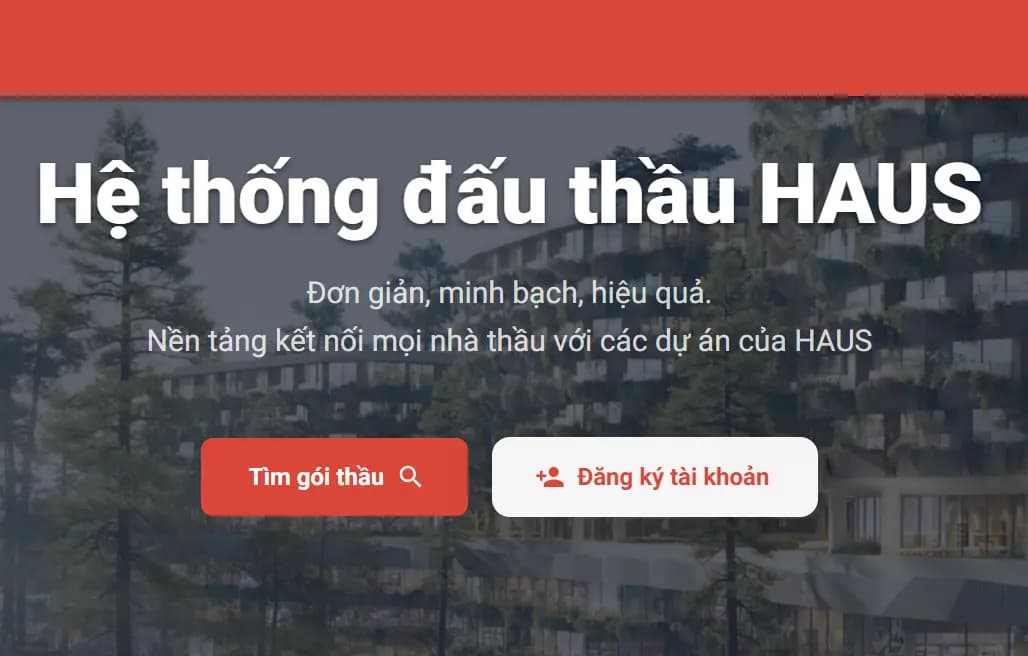
1.
Vào trang chủ và đăng ký tài khoản
2.
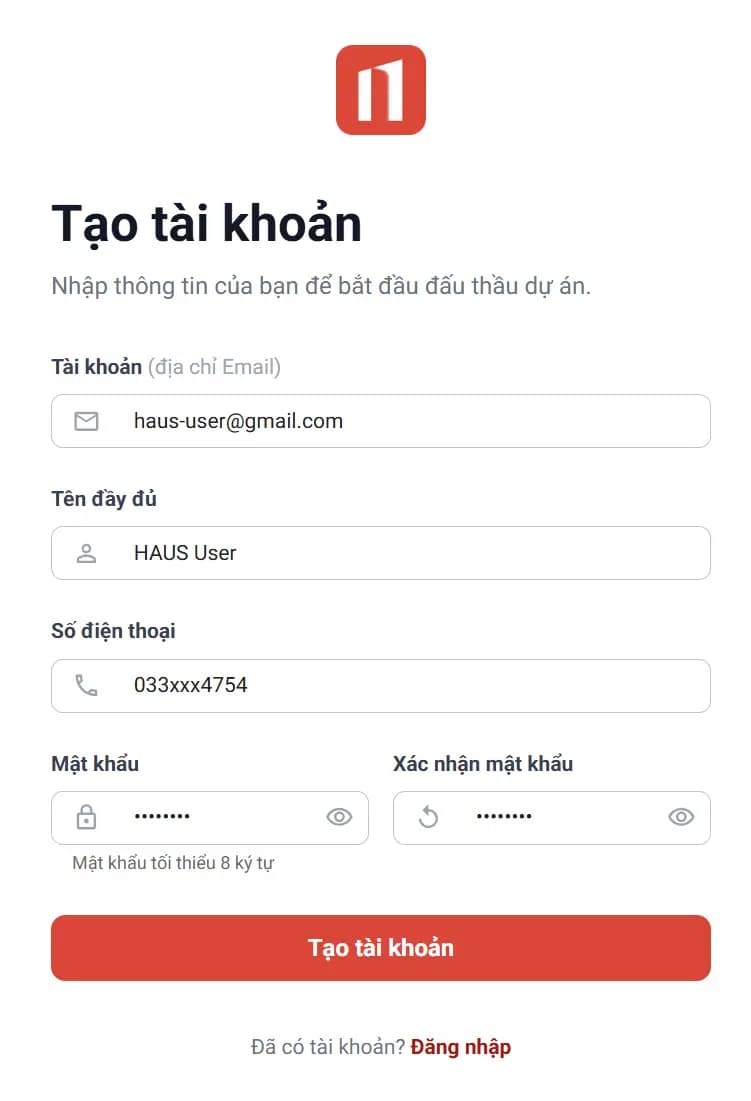
Điền thông tin tài khoản
3.
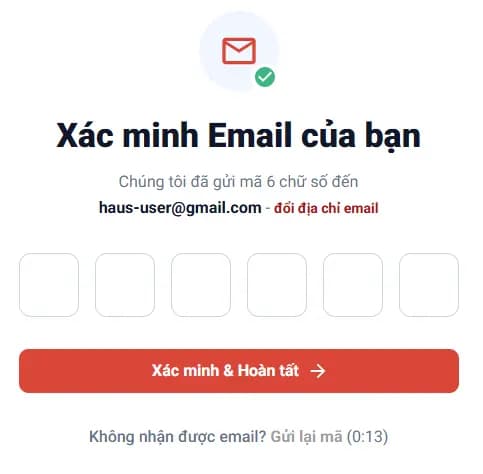
Nhập OTP được gửi qua email
4.
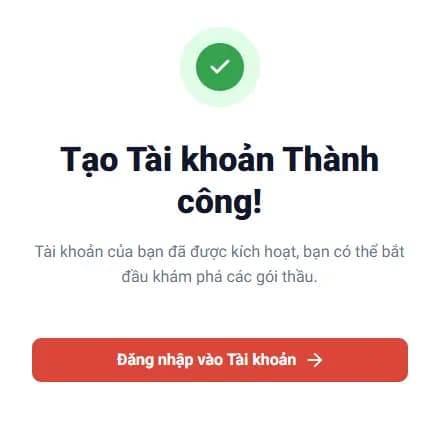
Đăng ký thành công
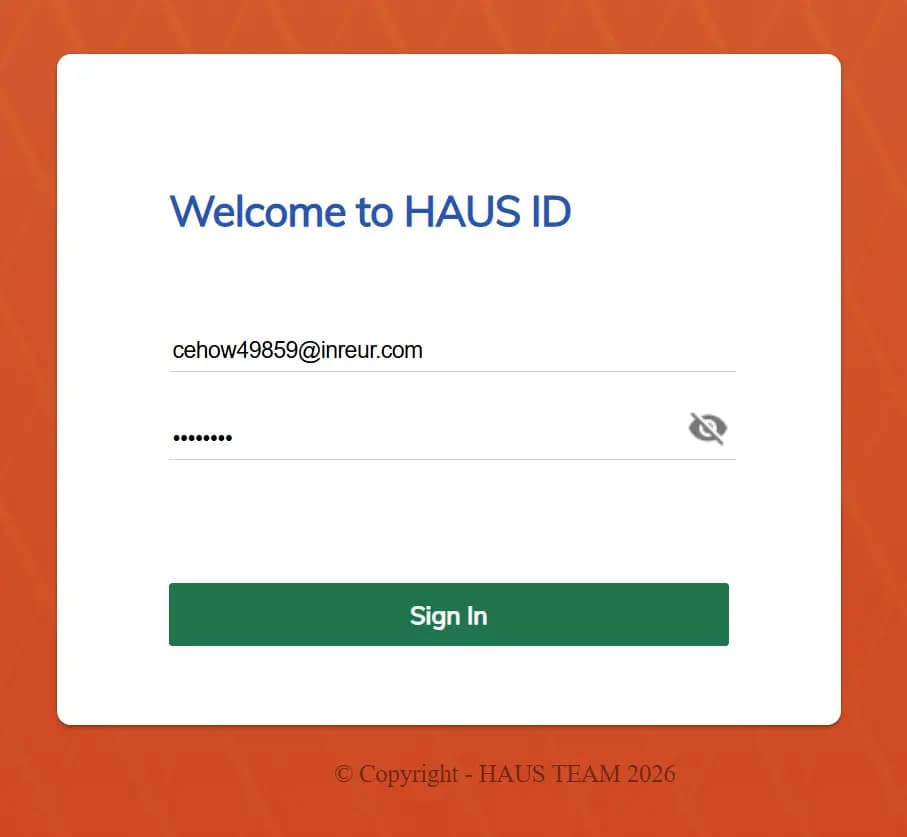
5.
Đăng nhập vào hệ thống bằng tài khoản vừa tạo
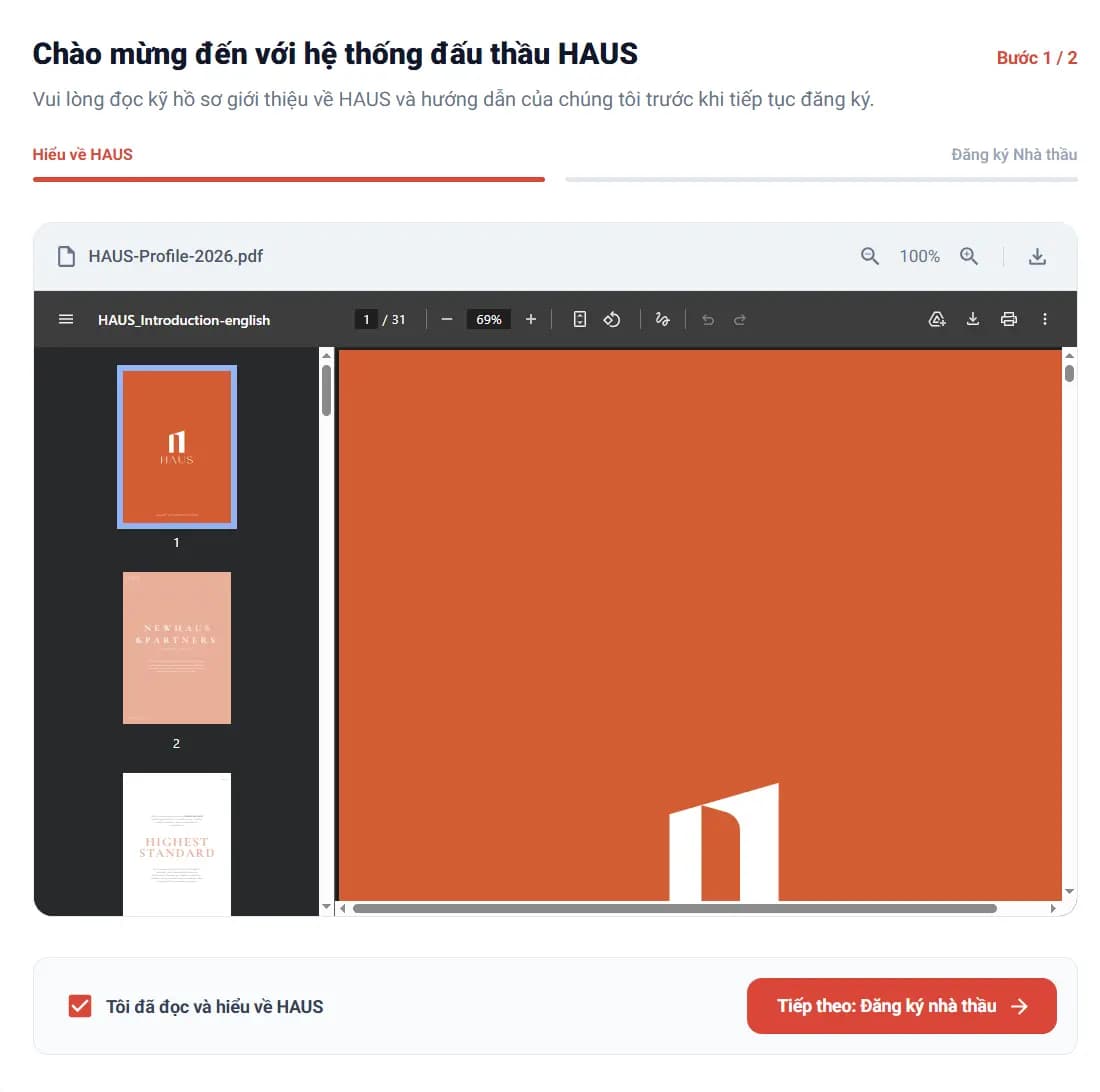
6.
Đọc và chấp nhận điều khoản của HAUS
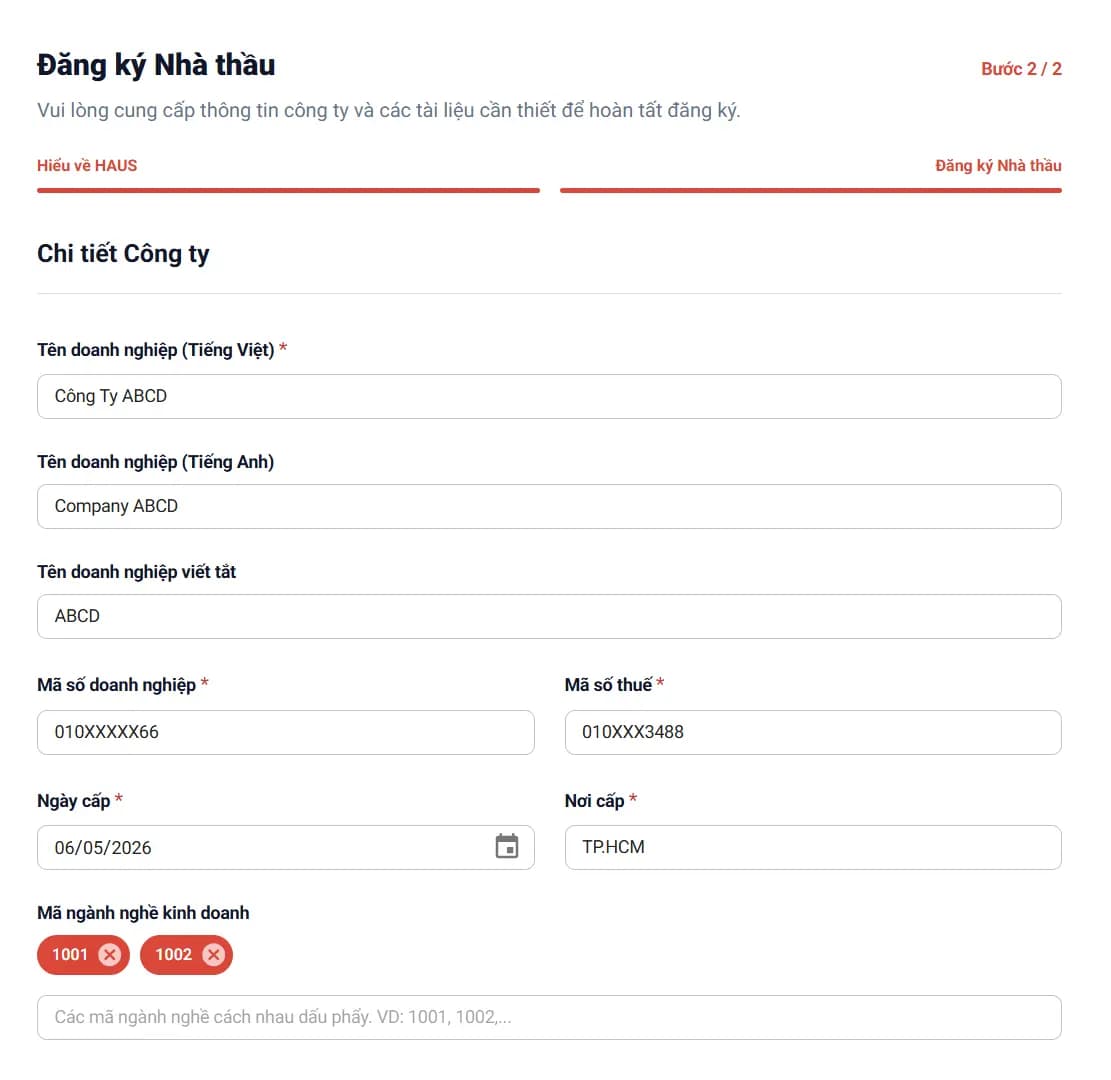
7.
Đăng ký thông tin nhà đấu thầu
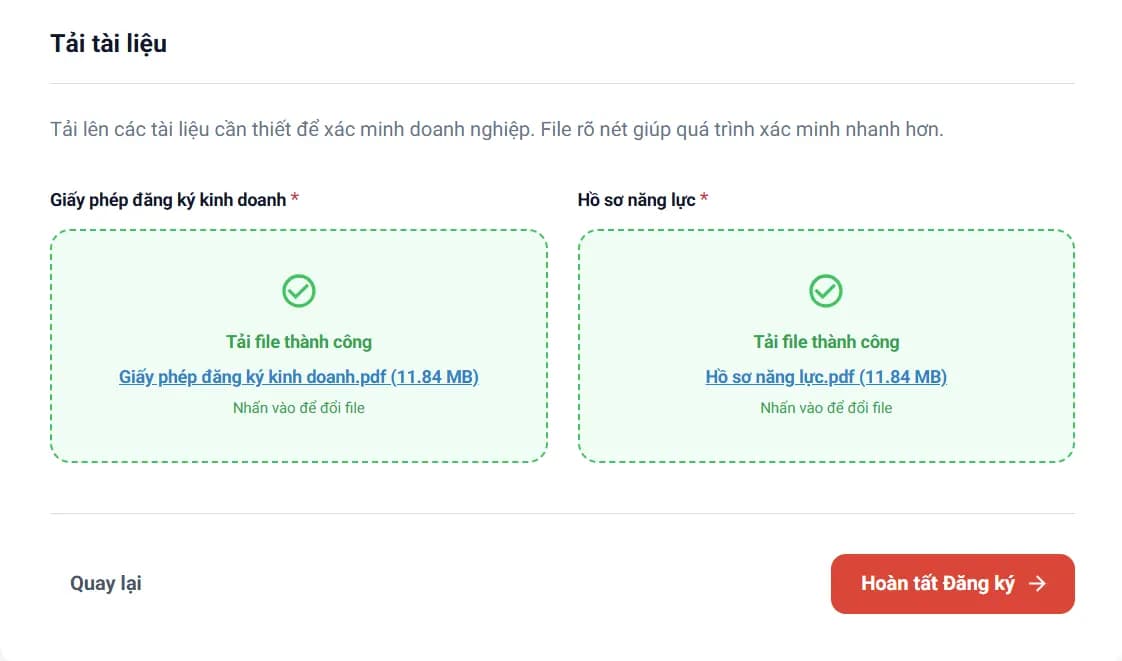
8.
Chọn tài liệu liên quan và hoàn tất đăng ký
9.
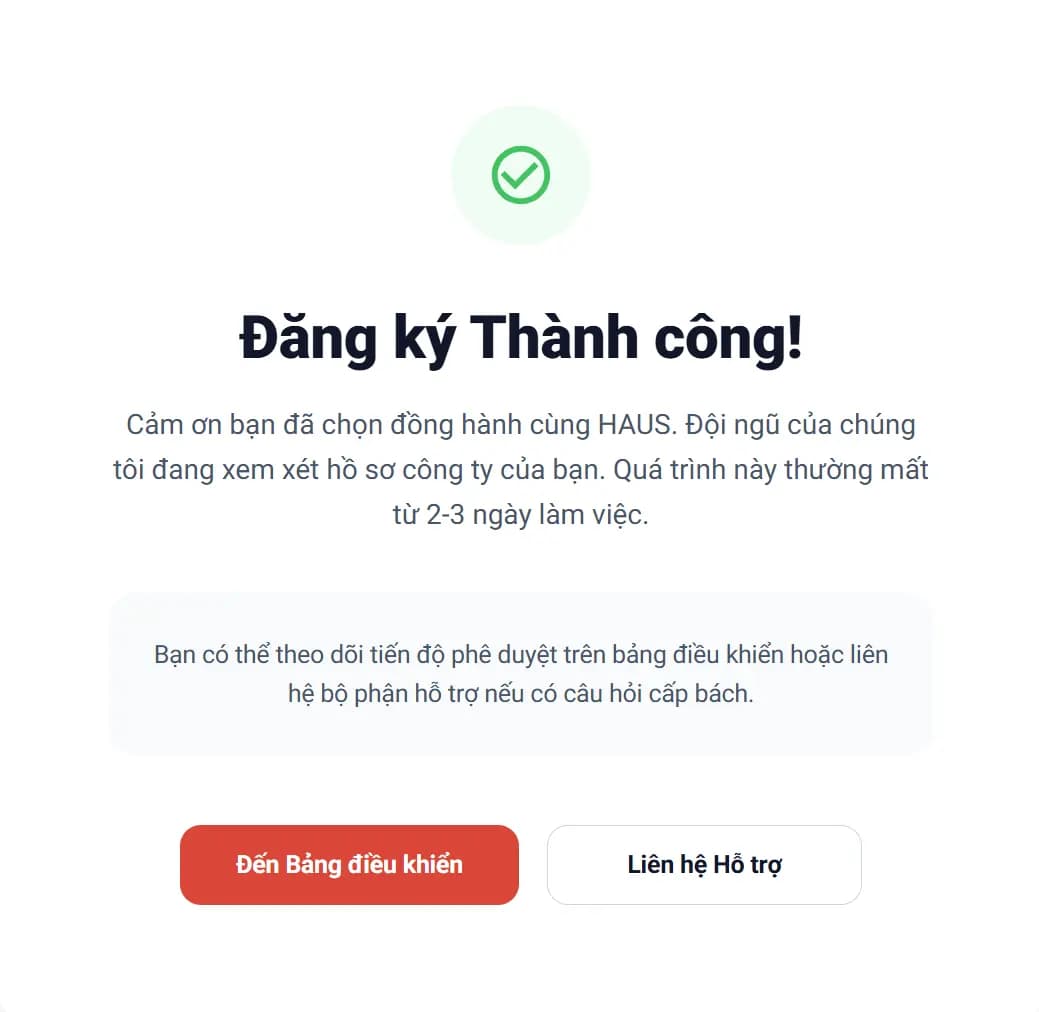
Đăng ký thành công và chờ phê duyệt hồ sơ
10.
Kiểm tra trạng thái nhà thầu trên hệ thống
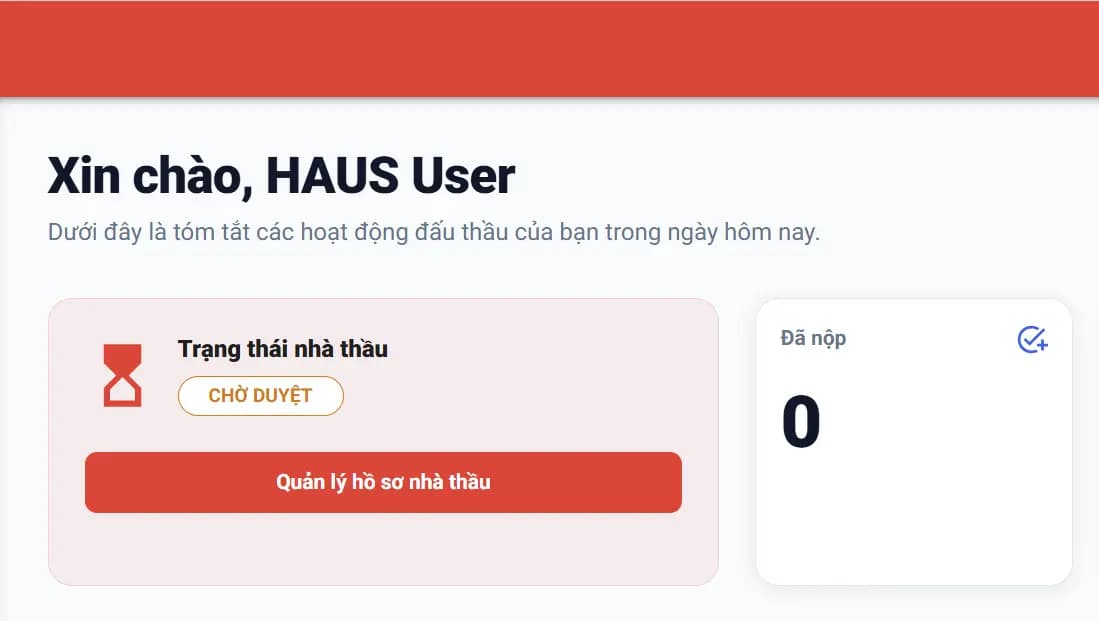
Theo dõi trạng thái duyệt nhà thầu
Sau khi gửi đăng ký, bạn cần chờ phê duyệt hồ sơ. Chỉ khi trạng thái là Đã kích hoạt thì mới có thể tham gia đấu thầu.
Hồ sơ đã được duyệt, bạn có thể tham gia đấu thầu trên hệ thống.
Hồ sơ đã gửi thành công và đang chờ đội ngũ HAUS xét duyệt.
Tài khoản bị tạm dừng, bạn tạm thời không thể tham gia các hoạt động đấu thầu.
Hồ sơ bị từ chối, vui lòng kiểm tra phản hồi và thực hiện bổ sung theo yêu cầu.
helperSignIn.statusGuide.descriptions.update_requested